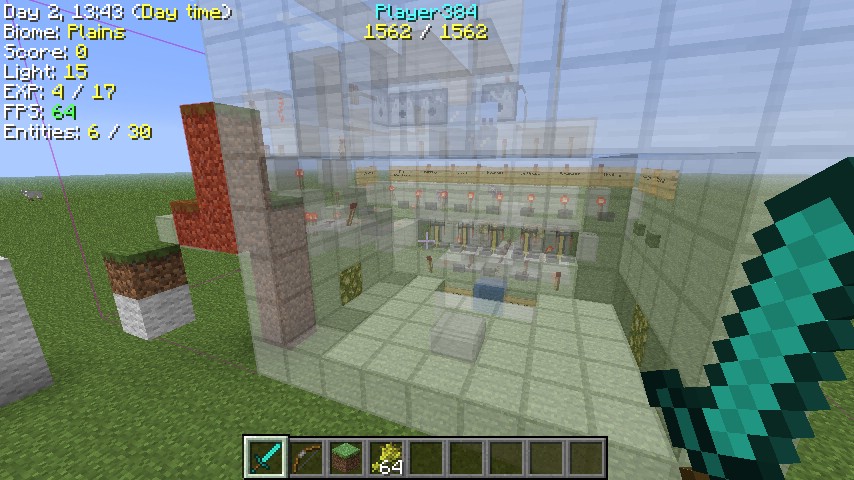
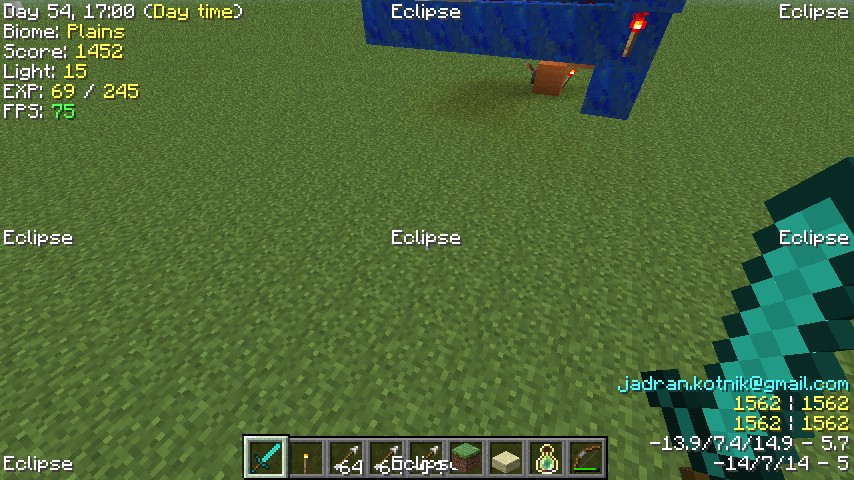
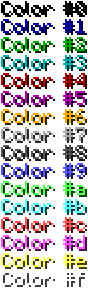
Display various information directly only you ingame screen. InGame Info XML Mod allows you to display a very customizable “F3 screen”. It ships with a default config (in XML), which can be replaced/changed by your own. It supports XML, JSON and the text format (slightly modified version of bspkrs’ format).
Commands:
/igi reload
Reload the last loaded configuration file. Useful for testing/debugging.
/igi load <filename>
Load the configuration from a file. The file extension determines the format.
/igi save
Save the current configuration to a file. The file extension determines the format.
/igi enable
Disable the GUI.
/igi disable
Enable the GUI.
Tutorial:
InGame Info XML Mod Wiki:
Requires:
How to install InGame Info XML Mod:
- Download and install Minecraft Forge.
- Download and install LunatriusCore.
- Download the mod.
- Click on the Start Menu in Windows.
- Type run into the search box, and select the Run program at the top of the results.
- Type %appdata% into the Run program, and press Enter.
- Go to .minecraft/mods folder.
- Drag and drop the downloaded jar (zip) file into that.
- Enjoy the mod.
The post [1.12.1] InGame Info XML Mod Download appeared first on Minecraft Forum.